Portrait photographer
A client requests one alternate crop for a profile image after approving the main portrait.
Protect the approved master, check facial detail at the final display size, and send a clearly named alternate.
Photography workflow
The best photo editing software for photographers depends on what happens between capture and delivery. Start with your existing workflow, then decide whether you need a full photographic editor, a focused image editor, or both.

A useful comparison starts with the files you receive, the edits you repeat, and the files your client expects back.
Image Editor is worth considering for a defined image-editing task, not as an assumed replacement for every stage of photographic post-production.
Ingest and back up originals using your established process. If your camera files need RAW interpretation, lens correction, or detailed cataloging, confirm that your chosen photographic software handles those jobs before moving to a focused edit.
Choose a clear task, such as improving a crop, adjusting a presentation image, or preparing a visual for a client review. Work from a copy so the original and any approved master remain untouched.
Inspect the result at the size where it will be used, especially skin, fine edges, text, and areas of subtle color. Compare against the approved version, then check the exported file against the recipient's requirements.
| Dedicated photographic workflow | Focused image-editing workflow | |
|---|---|---|
| Starting point | Camera originals and a managed shoot | A selected image or prepared working copy |
| Primary job | Develop and organize a set of photographs | Address a specific visual change |
| RAW decisions | Evaluate exposure, white balance, and camera-file rendering | Keep RAW development in a tool whose support you have verified |
| Consistency | Match treatment across a series | Check that an individual edit still fits the series |
| Review | Compare selects, ratings, and versions | Compare the edited image with its source |
| Handoff | Produce the shoot's required deliverables | Verify the individual result before adding it to the handoff |
Different assignments put pressure on different parts of the workflow. Define the outcome first; then choose the editing approach that leaves the fewest unanswered handoff questions.
A client requests one alternate crop for a profile image after approving the main portrait.
Protect the approved master, check facial detail at the final display size, and send a clearly named alternate.
A gallery needs consistent color across changing light, followed by a small number of individual image fixes.
Complete series-wide development first and keep isolated revisions separate from the gallery's established look.
A first paid shoot calls for basic corrections and a dependable client handoff.
Practice a short review routine: preserve originals, compare edits, and check each requested delivery size.
A listing image needs a presentation-ready variation without changing the accuracy of the product itself.
Review color, edges, and background separately, and reject any variation that misrepresents the item.
Judge a proposed edit against its source and the brief, rather than assuming that a more dramatic change is a better photograph.
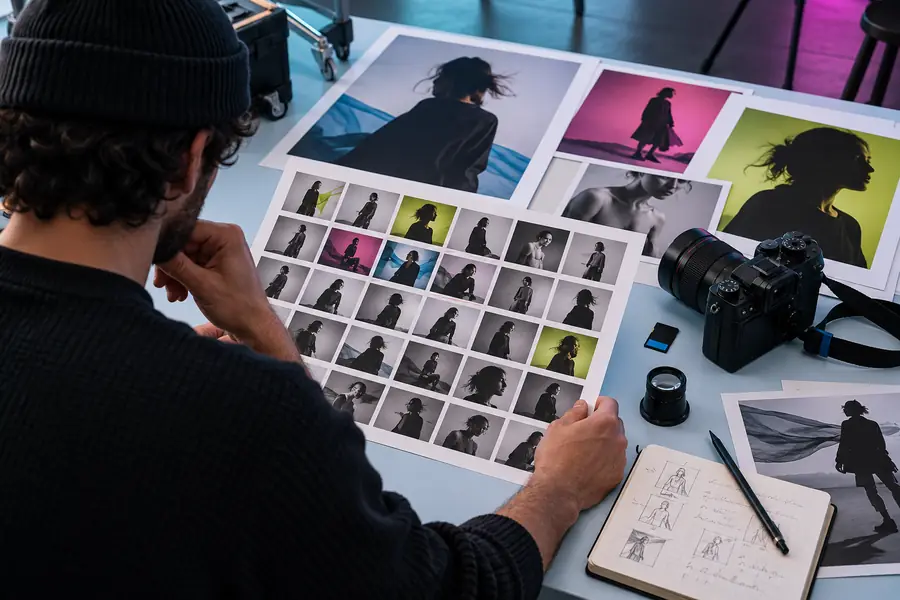
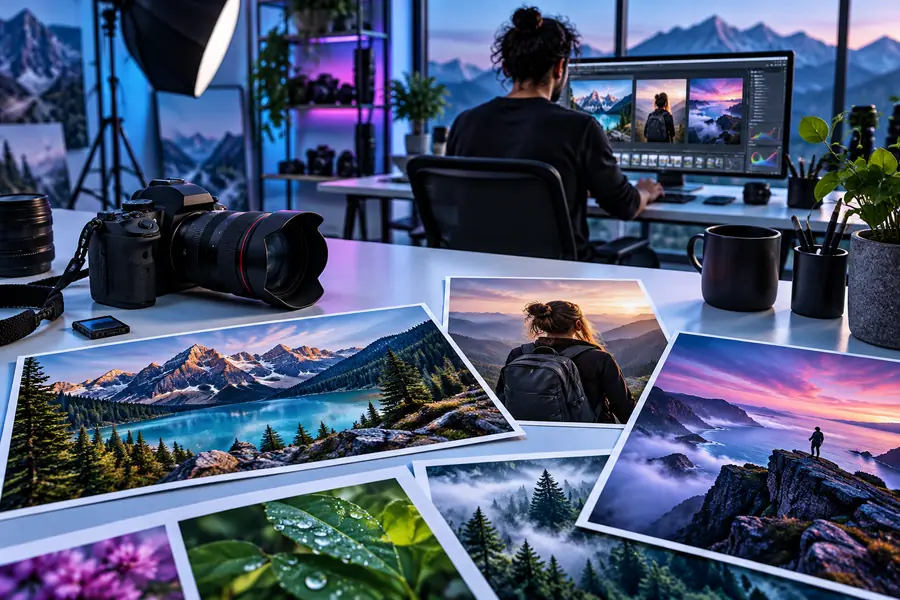
These are illustrative images, not a verified edit of the same original. For a real before-and-after check, use the same photograph, match the viewing size, and examine subject detail, color, crop, and unintended changes.
Initial reviewDelivery reviewBefore committing to an editor, write down the destination, required dimensions, accepted format, color expectations, and whether the client needs an editable working file. Test those requirements with one representative photograph. The best photo editing software for photographers is the option that fits the full assignment, even when a focused editor is useful for just one part of it.
Start with the files you shoot and the deliverables you owe, rather than a feature list alone. Check RAW handling if you need it, consistency across a series, the control available for local corrections, and whether you can produce files that meet the recipient's specifications.
Not necessarily. A dedicated photographic workflow may cover everything you need, while a focused image editor can be useful for a particular visual task. Keep both only when each has a clear role and the transfer between them preserves the quality and versions you need.
It depends on the assignment and the individual image. For professional work, verify supported inputs and outputs, inspect the result closely, and review the service's handling of client images before uploading confidential material. Do not assume an online editor replaces RAW development or catalog management.
Choose a representative photograph with difficult details, such as mixed lighting, hair, or fine product edges. Run the same required task in each candidate tool, then compare the result at delivery size and check the exported file against the brief. Include the time spent reviewing and correcting the result, not just the time spent making the first edit.