Occasional personal editor
You need to crop a travel photo, correct its orientation, or make a small brightness adjustment once in a while.
A free tool is often sufficient when the task is simple and a slower workaround has little consequence.
The image editor vs free decision is less about a label and more about the finished image. Compare the real cost of access, rework, quality, and learning time before you choose a workflow.

Write down the actual job: crop, resize, retouch, add text, adjust color, or prepare an asset for publishing. A clear outcome makes tool limits easier to spot.
Use one representative image and repeat the edit in both workflows. Record setup time, adjustment time, export steps, and any rework caused by missing controls.
Pick the route that produces acceptable results consistently. A free option can win for occasional edits, while a dedicated image editor may win when the same task returns every week.
A free tool can remove a direct payment while adding other costs. This side-by-side view keeps money, time, control, and rework in the same conversation.
| Dedicated image editor | Free editing tool | |
|---|---|---|
| Direct cost | May involve a paid plan, one-time purchase, or a product-specific fee; verify the actual offer before deciding. | Usually avoids a direct payment, but availability and included functions vary by tool. |
| Setup time | Often centers on a defined editing workspace with familiar controls and reusable habits. | Can be quick for simple edits, but setup differs widely between free tools. |
| Control depth | More likely to provide a coherent set of adjustments for repeated image work. | Often covers common corrections well, while advanced controls may be limited or separated. |
| Learning effort | A broader toolset may take longer to learn, but the workflow can become predictable with practice. | A smaller interface may feel easier at first, though workarounds can add complexity later. |
| Rework risk | Lower when the editor supports the exact adjustment and export path you need. | Higher when a missing control forces multiple apps, repeated exports, or compromises. |
| Best fit | Frequent edits, brand consistency, repeatable production, and images where finish quality matters. | Occasional crops, quick changes, simple social assets, and experiments with low consequences. |
| Access pattern | Depends on the product and whether its workflow is browser-based or installed. | Often attractive when you need a quick edit without committing to a larger workflow. |
| Decision test | Ask whether the time saved and control gained justify the stated product cost. | Ask whether the money saved outweighs limits, interruptions, and possible rework. |
Quality is not one number. Judge the details that matter for your image, then use the result rather than the tool category as the standard.
The fastest option is the one that completes the whole job with the fewest interruptions. These examples show where a dedicated workflow or a free option can make sense.
You need to crop a travel photo, correct its orientation, or make a small brightness adjustment once in a while.
A free tool is often sufficient when the task is simple and a slower workaround has little consequence.
You publish images repeatedly and need consistent text placement, color treatment, sizing, and export habits.
A dedicated workflow can save time by reducing repeated setup and making the same edit easier to reproduce.
You prepare product images, announcements, or social graphics while balancing editing with other work.
Compare the full task time, including revisions and exports, instead of comparing only the sticker price.
You need quick corrections that preserve the subject, keep text readable, and look consistent across a small batch.
Use the workflow that gives you enough control without turning a straightforward correction into a multi-step process.

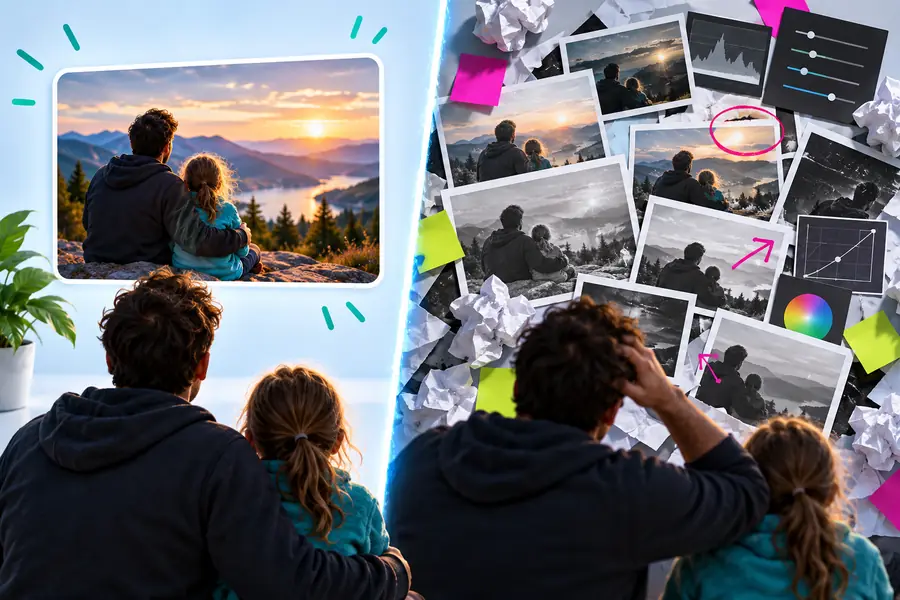
Judge the visible result first; then compare the time and steps required to reach it.
Starting imageEdited resultThere is no universal winner between a dedicated image editor and a free tool. Start with one real image, define what acceptable quality means, and count the complete path from opening the file to saving the final result. If the free route handles the job cleanly, its lower direct cost may be the right answer. If it repeatedly creates workarounds, inconsistent output, or avoidable rework, a more capable workflow may be worth considering.
For occasional crops, resizes, basic corrections, and simple text overlays, a free tool may be enough. The better test is whether it completes your actual task without awkward workarounds or repeated exports.
The main difference is usually the depth and consistency of the workflow rather than the label itself. A dedicated editor may offer more coordinated controls, while a free tool can be the better choice for simple edits with low consequences.
No. Image quality depends on the source file, the adjustments, and the export settings, not only on whether the tool is free. Quality can suffer when a tool lacks a needed control or forces repeated conversions.
It can be worth it when you edit frequently, need repeatable results, or lose meaningful time to missing controls and workarounds. Compare the complete workflow cost rather than the payment alone.
Use the same representative image and the same intended result in both tools. Record setup, editing, export, and rework time, then inspect detail, color, text, and consistency before choosing.