Casual creator
You want to crop a public-domain image or prepare a simple social graphic.
Use a copy, avoid unnecessary permissions, and keep the source free of personal metadata.
Privacy and trust
Is image editor safe reddit? The useful answer is not a simple yes or no. Safety depends on where files go, which permissions are requested, what is retained, and how you verify the service before uploading anything personal.
The old assumption
People once judged an image editor mainly by whether it opened a file and produced a clean result. That test ignored the parts of the workflow that matter most for private photos.
A polished interface cannot prove that uploads are deleted, encrypted, or excluded from model training.
What to do instead
Read the current privacy policy and look for specific retention, deletion, and processing language.
Removing a visible face or changing colors does not undo a screenshot, shared link, cached copy, or earlier upload.
What to do instead
Crop sensitive details before uploading and avoid editing files that contain secrets or identity documents.
A browser-based image editor does not protect an infected device, unsafe browser extension, weak account, or exposed download folder.
What to do instead
Keep the browser, operating system, and security tools updated, and use a separate working copy.
Analytics, advertising, fonts, and embedded services may receive technical data even when the main editor handles the image responsibly.
What to do instead
Use a private browsing profile, inspect permissions, and avoid uploading highly sensitive material.
A safer workflow
A modern image editor should be assessed as a data workflow, not just a creative tool. These three checks make the decision more deliberate.
Confirm the site address, HTTPS connection, requested permissions, and whether an account or extension is being requested. A simple image editor should explain why it needs access to files or storage.
Start with a duplicate containing no faces, signatures, addresses, metadata, or confidential content. Watch for unexpected redirects, forced downloads, or requests unrelated to editing.
Download only the finished copy you need, clear temporary files, remove unused permissions, and check whether the service offers a deletion control or account history.
Context for Reddit
Online discussions are useful for spotting recurring problems, but old comments can describe a different product, policy, or domain than the one you are visiting today.
Before and after
The safest change is often not switching brands; it is switching from blind trust to a documented, low-risk workflow.
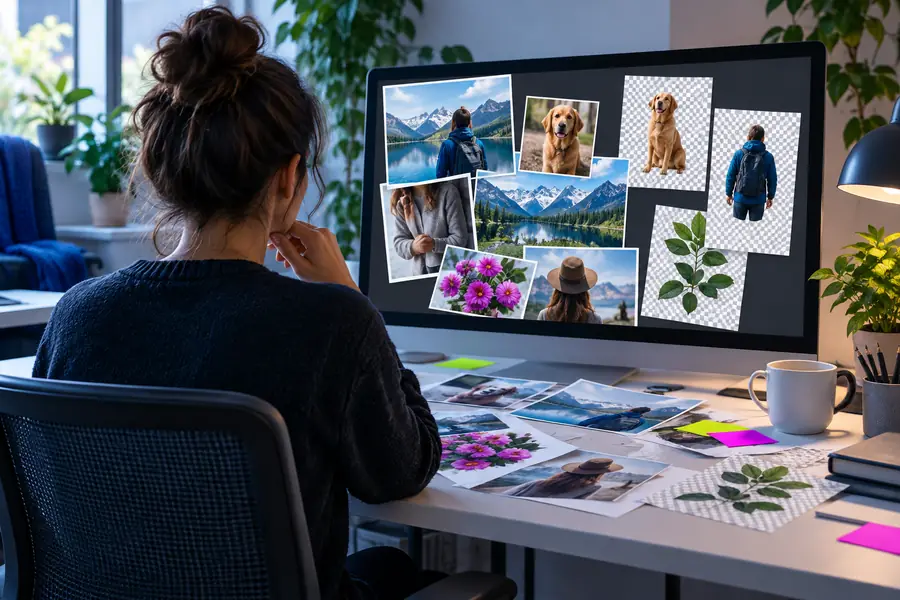
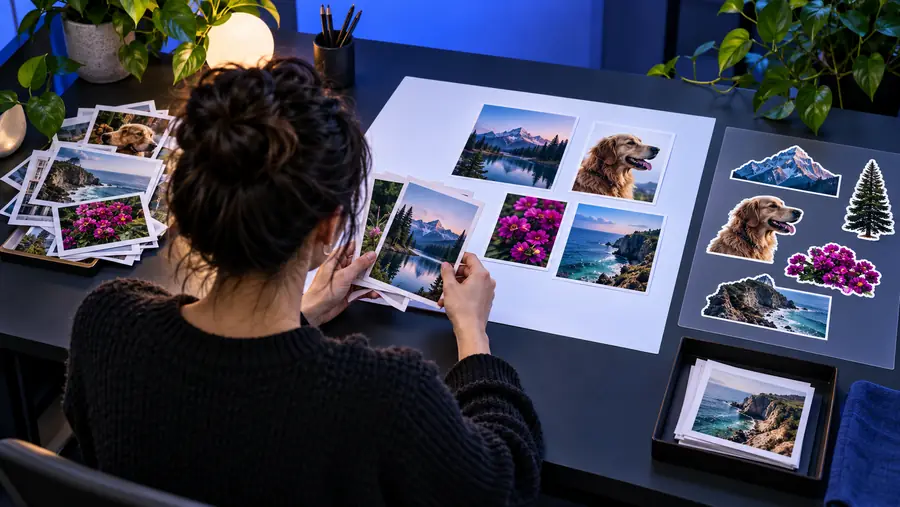
A safer workflow reduces exposure before editing begins.
Before: upload firstAfter: check firstDecision table
Use this comparison to separate convenience from evidence. The right-hand column describes safer behavior, not a guarantee about any particular service.
| Quick, unverified use | Reviewed image editor workflow | |
|---|---|---|
| File choice | Upload the original file immediately | Use a duplicate with sensitive details removed |
| Privacy policy | Assume the interface is enough | Check retention, deletion, and training language |
| Permissions | Allow broad access without reading | Grant only the access needed for the task |
| Metadata | Leave location and camera data untouched | Remove metadata when it is not needed |
| Account history | Ignore saved projects and cloud history | Review and delete stored projects when possible |
| Community reports | Treat an old Reddit comment as current proof | Check the date, domain, version, and repeated evidence |
| Sensitive material | Use IDs, contracts, or private portraits | Keep high-risk files out of an unverified service |
| Cleanup | Leave downloads, tabs, and permissions open | Delete temporary copies and close unused access |
Different risk levels
The best safety habit depends on the person and the file. These examples show when a cautious image editor workflow is especially valuable.
You want to crop a public-domain image or prepare a simple social graphic.
Use a copy, avoid unnecessary permissions, and keep the source free of personal metadata.
You are adjusting portraits that include children, locations, or recognizable homes.
Remove identifying details where practical and choose a workflow with clear storage and deletion information.
You are editing product images, invoices, documents, or customer-submitted photos.
Separate public marketing assets from confidential records and define who can upload or download files.
You are editing from a phone and an app requests access to your entire photo library.
Prefer selected-photo access when available, review permissions later, and avoid uploading private originals.
Make the safer choice
Reddit can help you find warnings, but it cannot inspect the exact service, version, permissions, or policy in front of you. Use the checklist above, start with a low-risk copy, and keep sensitive files in a workflow you understand.
Common questions
These answers address the practical concerns behind the search query without treating community anecdotes as a universal safety verdict.
It is a useful starting point, but the wording does not identify one product or guarantee a current answer. Reddit comments can reveal recurring issues, yet you should verify the exact domain, date, permissions, and privacy policy yourself.
Potentially, yes, because a web service may need to receive and process an upload before returning an edit. Check whether the policy explains processing, retention, deletion, staff access, sharing, and automated training use before sending a personal image.
Avoid uploading high-risk material to an unverified service. Crop or blur addresses, signatures, identity numbers, faces, location clues, and confidential text, and use a duplicate rather than the original whenever possible.
No. HTTPS helps protect the connection while data travels between your browser and the site, but it does not explain what happens after the file arrives. Storage, access controls, third-party scripts, account security, and deletion practices still matter.
Confirm the domain, read the relevant privacy terms, inspect requested permissions, and test with a low-risk copy. After editing, review downloads and stored projects, remove permissions you no longer need, and delete temporary files.