Occasional photo editor
You crop or adjust a personal photo and rarely revisit the file.
Keep the familiar workflow if its export looks right. A new interface may cost more time than it saves on a one-off edit.
Editing choices
A no-cost editor can be enough for a quick crop, but its value depends on the result you need and the effort it takes to get there. Compare costs, quality and time before moving your workflow.

The price shown at the start is only one part of an editing decision. Check what it takes to finish, export and revise the actual image you need.
This comparison cannot establish that every feature, export or future session on an external service is available without payment. Terms may change, and a tool that opens without an upfront charge may restrict the result you need.
What to do instead
Check the current terms and export conditions on the service itself before committing a project.
A general comparison cannot confirm that your preferred editor handles layers, precise masks, batch work or the file type your project requires. Similar-looking tools can produce very different editable files.
What to do instead
Test one representative image and inspect both the saved project and its final export.
An online workflow may require an upload. This page cannot verify how a separate service stores, processes or removes a particular image, which matters for client work and personal photos.
What to do instead
Read the service's current privacy terms; use an appropriate local workflow for files you cannot upload.
Changing editors will not restore missing detail in a small or blurry source image. Automated changes may also alter edges, lettering or colors you intended to preserve.
What to do instead
Keep the original and compare the exported result at its intended display size.
Quality is easier to judge on the finished file than on an editor's feature list.
Use a photo with the details your work depends on: hair against a background, small lettering, skin tones or a sharply defined product edge. Keep the original unchanged so both approaches start from the same source.
Write down the intended crop, color adjustment or background change, then try to achieve it in each editor. Avoid comparing a carefully finished result with a first-pass preview; give each approach a fair attempt.
View both exports at the size where they will be used. Check edge halos, lost detail, color shifts and readable text, then confirm whether you can return to the edit later without starting again.
A short task may favor the familiar tool; repeated revisions can make setup and export friction more important.
This total-cost table is a checklist, not a claim about any specific provider. Fill in the unknowns using each service's current terms and your own test file.
| Current no-cost editor | Alternative under consideration | |
|---|---|---|
| Upfront charge | Record whether your current task can begin without payment. | Verify access terms before assuming the alternative has no upfront charge. |
| Export conditions | Check the final file's size, format and any visible restrictions. | Check the same conditions on the alternative's actual export. |
| Revision effort | Time a second change after you have saved or exported. | Repeat that change and note whether you must rebuild the edit. |
| Output quality | Inspect detail, edges and colors at the intended display size. | Inspect the same areas using the same source image. |
| File handling | Note where the original and working files are stored. | Review upload and retention terms if the workflow uses a service. |
| Learning time | Count the time needed for a task you already know how to do. | Include time spent finding controls and correcting mistakes. |
| Repeat workload | Estimate how often you redo this type of image. | Switch only if the benefit holds across the work you actually repeat. |
The better choice depends less on a label than on what you must deliver and how often you must revise it.
You crop or adjust a personal photo and rarely revisit the file.
Keep the familiar workflow if its export looks right. A new interface may cost more time than it saves on a one-off edit.
You need to move elements, refine masks and respond to multiple rounds of feedback.
Test whether an alternative preserves editability before switching; a polished first export does not replace a useful working file.
You move between computers and want to make small changes without relying on one installed application.
An online option may be convenient, provided its file-handling rules fit the material you edit.
You produce similar images regularly and spend time correcting the same small issues.
Compare a full batch of typical edits, including revisions and exports. Small per-image delays matter more when the work repeats.
Use visual examples to decide what to inspect, then run a matched test with your own source file.
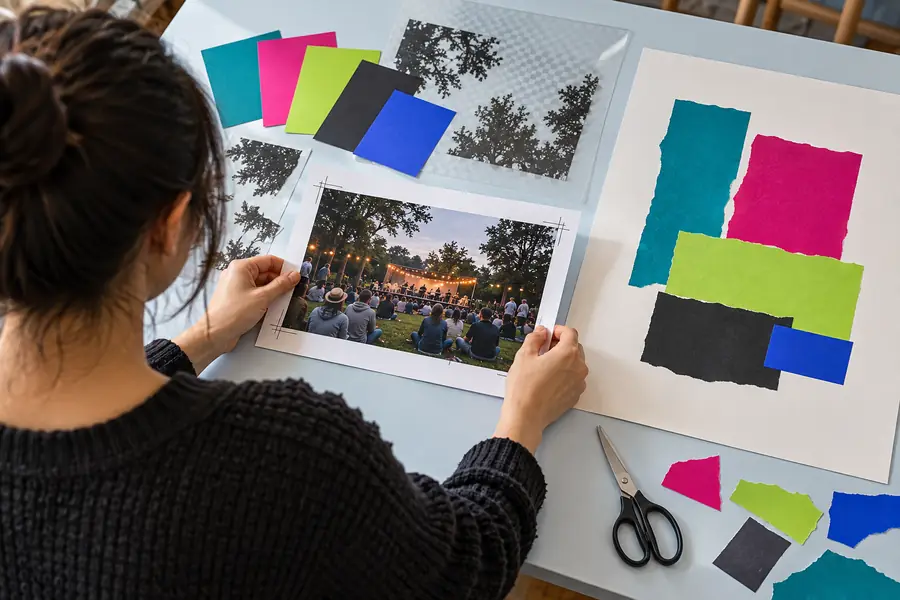
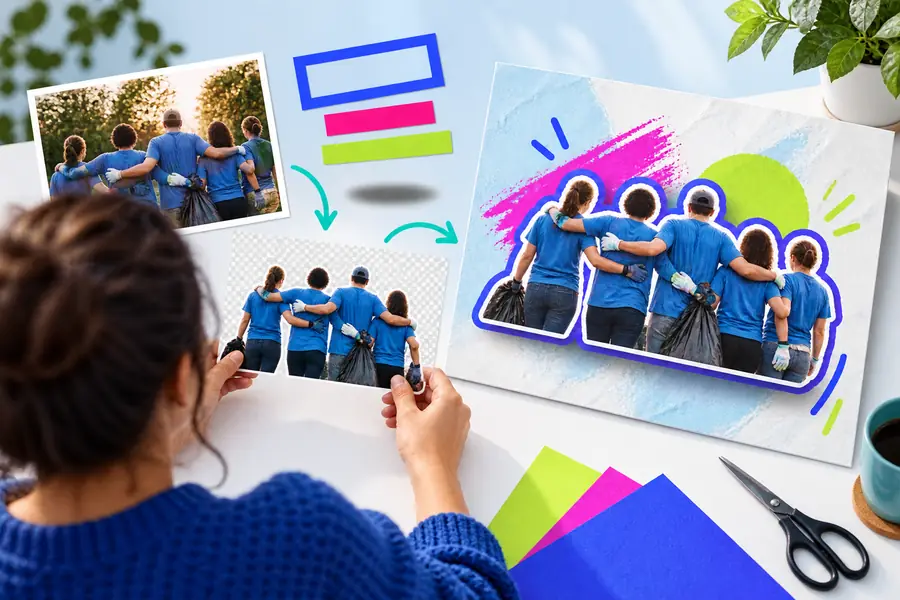
These are illustrative images, not a matched before-and-after test or evidence that one editor produced a better result. For a fair comparison, edit the same original in both tools and inspect the exported files.
Starting pointEdited exampleIf an image editor alternative free of upfront cost is your priority, verify the current terms alongside the finished output. Image Editor can point you toward an editing option to evaluate; confirm its capabilities, access conditions and privacy terms on the destination before uploading a file.
Start with the edit you need to finish, not a list of features. Check the current access and export terms of each candidate, then complete the same task with a non-sensitive test image before moving your files.
Not necessarily. Availability to start editing does not establish what formats, sizes or other conditions apply to the final file. Verify the exported image itself and the service's current terms.
A different workflow may suit a particular edit better, but the editor alone cannot create detail that is absent from the source. Compare results from the same original at the size and setting where the image will be used.
Switching is more persuasive when your current workflow repeatedly falls short on a required result or takes too long to revise. Include learning time, export checks and the ability to reopen the work in your comparison.
Do not upload sensitive material merely to test a tool. Review the provider's current privacy and file-retention terms first, and choose a workflow appropriate to your obligations if the image cannot leave your device.