Social content creator
You need a square post from a wider photo, with the subject kept prominent and a short caption added.
A focused crop and text pass produces a more consistent post without rebuilding the entire composition.
Practical starting point
An image editor app gives you a focused place to crop, adjust, add text, and prepare images without building a complicated desktop workflow. Start with a clear edit request, then review the result before sharing it.
Before opening an image editor app, clarify the source image, the intended destination, and the smallest change that will solve the problem.
The app can change an existing visual, but it cannot make an accurate edit from a vague instruction with no source or subject reference.
What to do instead
Keep the original image available and describe the subject, framing, and desired change.
A phone-sized interface can become awkward for layered compositions, precise alignment, or long-form design work.
What to do instead
Use an image editor online or a desktop-oriented workflow when the canvas and controls need more room.
An app may limit available file types, transparency handling, resolution, or edit history depending on its design.
What to do instead
Check the required destination format before editing and retain the original for a second export.
Color changes, object removal, and text placement can introduce halos, clipped edges, or unreadable details.
What to do instead
Inspect edges, faces, small text, and the final crop at full size before publishing.
A reliable app workflow is short: prepare the input, make the focused change, and inspect the output in its final context.
Choose the original file, decide where it will be used, and note any fixed requirements such as aspect ratio, subject position, or readable text.
Start with the highest-impact adjustment: crop the composition, correct the light, remove a distraction, or add the essential text. Avoid stacking unclear requests.
Review the complete frame, compare it with the source, and confirm that the output still matches the intended use before sharing or exporting.
You need a square post from a wider photo, with the subject kept prominent and a short caption added.
A focused crop and text pass produces a more consistent post without rebuilding the entire composition.
You are preparing a product image for a listing and need cleaner framing, brighter details, and a neutral presentation.
A repeatable edit brief helps you make product visuals easier to compare across a catalog.
You need to annotate a screenshot, highlight a section, or make an image easier to understand in a presentation.
Simple labels and controlled cropping keep attention on the information that matters.
You want a quick first pass on a photo before deciding whether it needs deeper retouching or a more advanced workflow.
The app handles routine adjustments while preserving the original for later work.
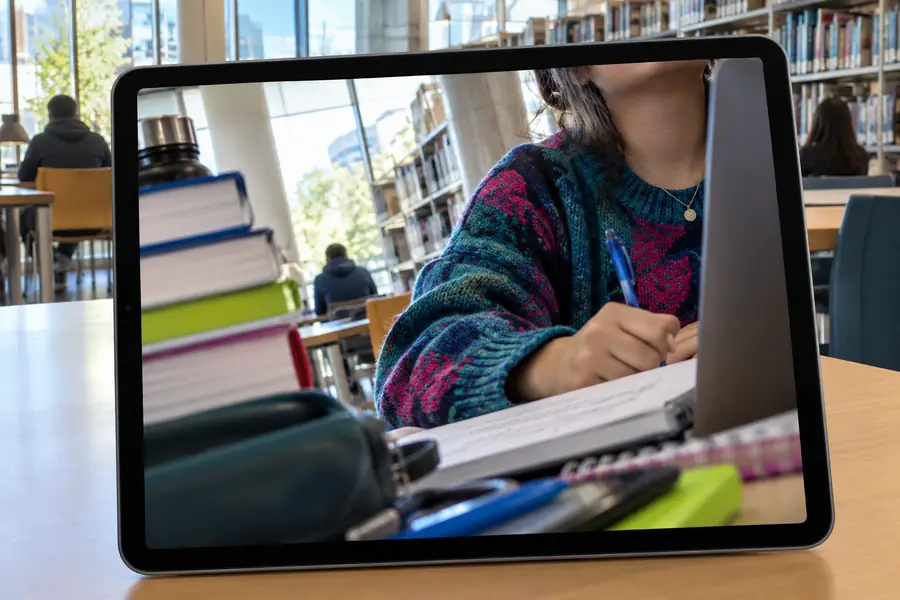
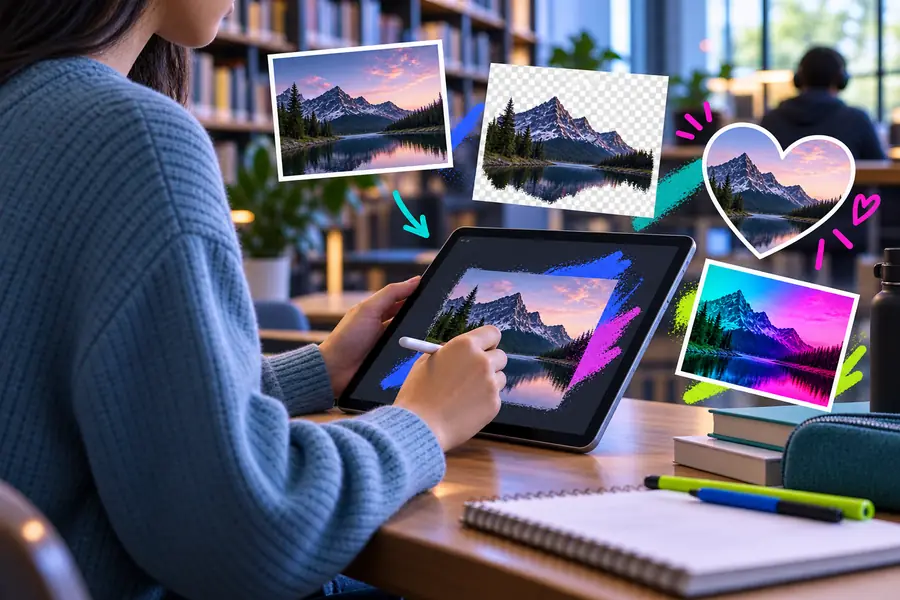
The strongest improvement usually comes from a precise request and a careful final review, not from adding more controls.
Before: unclear briefAfter: focused editThe right surface depends on how much control, portability, and visual space the task requires.
| Image editor app | Image editor online | |
|---|---|---|
| Best for | Quick, repeatable edits in a compact workflow | Browser-based work when installation is inconvenient |
| Workspace feel | Focused controls suited to a smaller screen | More room when the browser window and canvas are large |
| Setup | Open the app and prepare the image | Open the browser tool and load the image |
| Portability | Convenient when the app is available on your device | Useful across compatible browsers and devices |
| Precision | Good for routine crops, adjustments, and text | Can be easier for larger compositions and side-by-side review |
| Review habit | Check the final image at full size before sharing | Check the final image at full size before downloading or sharing |
| Choose it when | You value a direct, compact editing path | You want a browser-first surface with no dedicated app workflow |
Bring the source image, state the one change that matters most, and review the result in its final context. A focused brief makes any editing surface easier to use.
An image editor app is a tool for changing visual files through actions such as cropping, adjusting appearance, adding text, or preparing an image for sharing. It may be designed for a phone, tablet, desktop, or another focused editing surface.
Common tasks include cropping, resizing, improving brightness or color, placing text, and removing distracting elements. The exact controls depend on the app, so review the available export and editing options before starting an important project.
Neither surface is always better. An app can feel more direct and portable, while an online editor may provide a larger browser workspace and easier access across compatible devices.
Yes, especially when the task is limited to one clear goal such as cropping a photo or adding a caption. Begin with the original image, make one focused pass, and inspect the result at full size before sharing.