First-time editor
You need to make a photo clearer, better framed, or easier to share but do not want to study a large toolset first.
Begin with the practical basics and build confidence through small, visible improvements.
Simple image work
A free image editor can help you handle everyday visual tasks without turning a small change into a complicated production. Start with the image, make the adjustment, and keep the result aligned with its purpose.
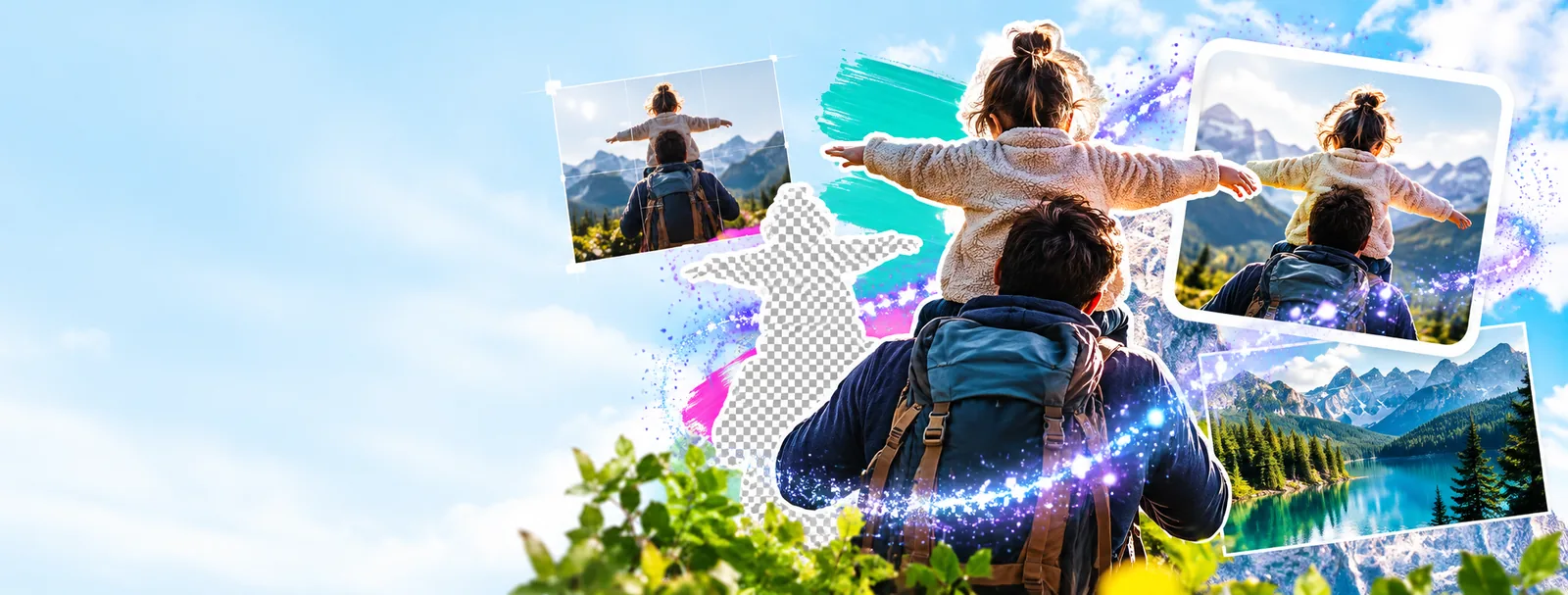
A focused workflow makes common image tasks easier to understand: identify the change, apply only what helps, and check the result before sharing it.
Decide whether the image needs a crop, size change, tonal adjustment, background cleanup, or a small text change. A specific goal prevents random edits from piling up.
Use the adjustment that solves the problem instead of rebuilding the whole image. Preserve the subject, check the edges, and keep the visual hierarchy easy to read.
Inspect the result at a practical viewing size. Look for clipped details, uneven spacing, distracting color shifts, or text that becomes difficult to read.
Different image tasks call for different starting points. These related guides help you choose a practical route without adding unnecessary steps.
The right choice depends on the size of the job, the number of decisions involved, and how much control you need over the final image.
| Focused image workflow | Full desktop suite | |
|---|---|---|
| Best fit | Quick edits, visual cleanup, and clearly defined image tasks | Long projects with many assets, layers, and advanced controls |
| Learning curve | A smaller set of decisions is easier to scan and repeat | More tools require more time to understand and configure |
| Cropping and resizing | A natural first step for social, web, and everyday image needs | Available alongside many additional layout and production tools |
| Color adjustments | Useful when the goal is a clearer, more balanced image | Better suited to detailed correction across complex image sets |
| Text on images | Practical for a label, caption, announcement, or simple graphic | More control for typography systems and multi-element compositions |
| Project complexity | Keeps a small edit proportional to the problem | Makes sense when the project needs repeatable, layered, or highly specialized work |
| Decision overhead | Fewer controls can make the next action easier to identify | A broader feature set can add choices before the basic edit is complete |
A useful edit does not need to transform every part of an image. Often, a cleaner crop, calmer color balance, or more deliberate background is enough.
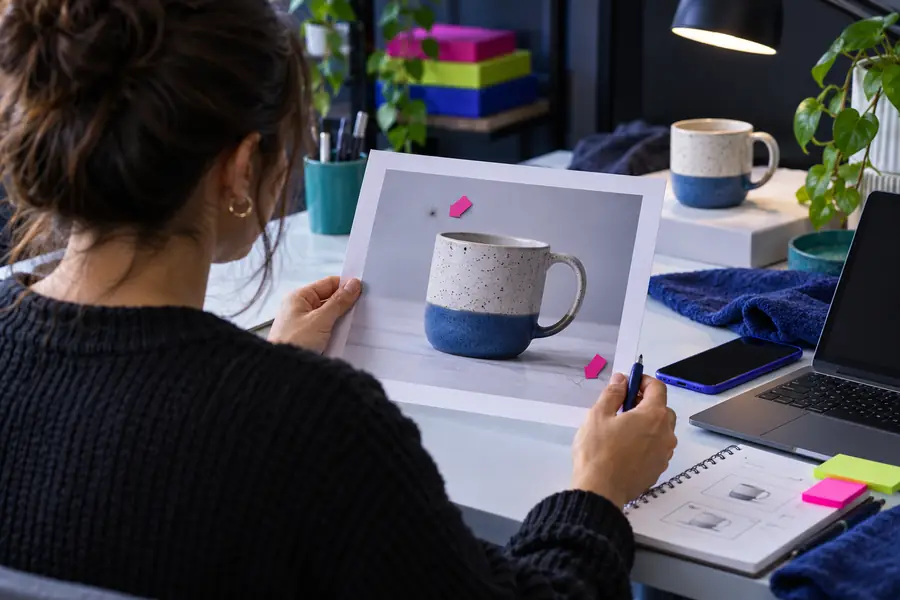
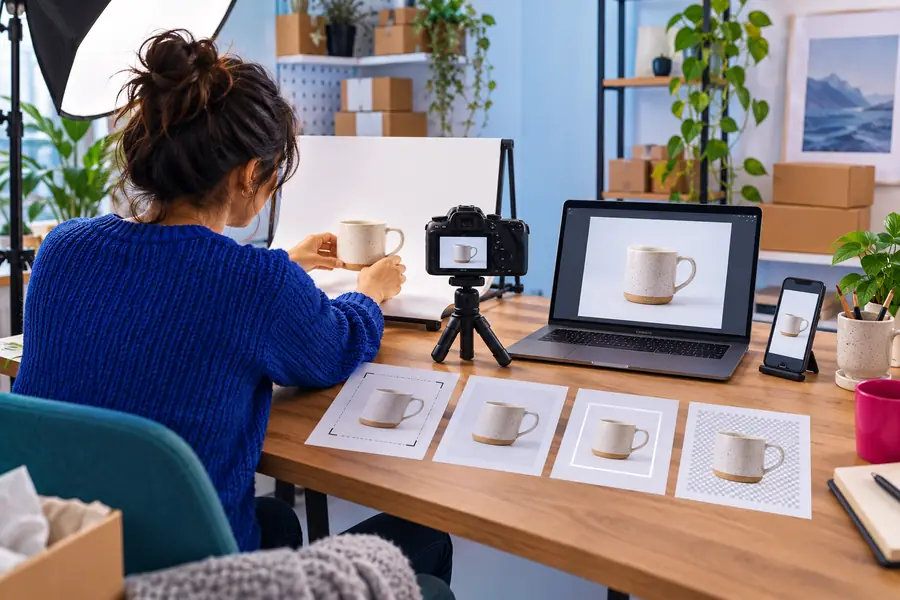
Compare the framing, contrast, and visual emphasis before judging the result.
BeforeAfterThe best workflow is the one that matches the image in front of you. Start with the intended outcome, then choose only the tools and guidance that support it.
You need to make a photo clearer, better framed, or easier to share but do not want to study a large toolset first.
Begin with the practical basics and build confidence through small, visible improvements.
You are moving between devices and want an editing route that fits naturally into a web workflow.
Keep the task centered on the image instead of adding a long installation or setup process.
You capture, adjust, and share visuals as part of a device-first routine.
Think in short editing passes that preserve the subject and keep the final image readable on a small screen.
You need to place a title, label, or callout on an image for a post, announcement, or simple campaign asset.
Treat wording, contrast, spacing, and placement as part of the image rather than as last-minute decoration.
Bring one image and one clear objective. A focused editing pass can remove distractions, improve presentation, and leave you with a result that is easier to review and ready for its intended use.
A free image editor is a tool or workflow for making changes to an image without starting with a paid editing suite. Common tasks include cropping, resizing, adjusting color, cleaning up the composition, and adding simple text. Check the specific product terms and available features before relying on it for an important project.
You can usually use a focused editor for practical changes such as improving framing, changing dimensions, balancing brightness or color, and preparing an image for a particular channel. The exact controls vary, so choose the workflow that matches the task rather than assuming every editor includes advanced retouching or layered design features.
Yes, a focused workflow can be easier for beginners because it keeps attention on the image and the intended result. Start with one change, inspect the edges and text, then make another adjustment only if it solves a visible problem.
It can be suitable for quick production tasks, drafts, social assets, and routine image preparation when the required controls match the job. More demanding work may call for detailed color management, layered files, repeatable batch processes, or specialized export settings, so assess those requirements first.
Begin by naming the task: crop, resize, color correction, background cleanup, or text placement. Then compare the workflow, control level, output requirements, and review process instead of choosing only by the word free. A tool that makes the needed edit clear is often more useful than one with a longer feature list.