Practical use cases
Best image editor examples, explained through practical edits
The best image editor examples show how a clear goal, a controlled workflow, and a final review turn an ordinary image into useful content. Explore repeatable scenarios rather than isolated effects.
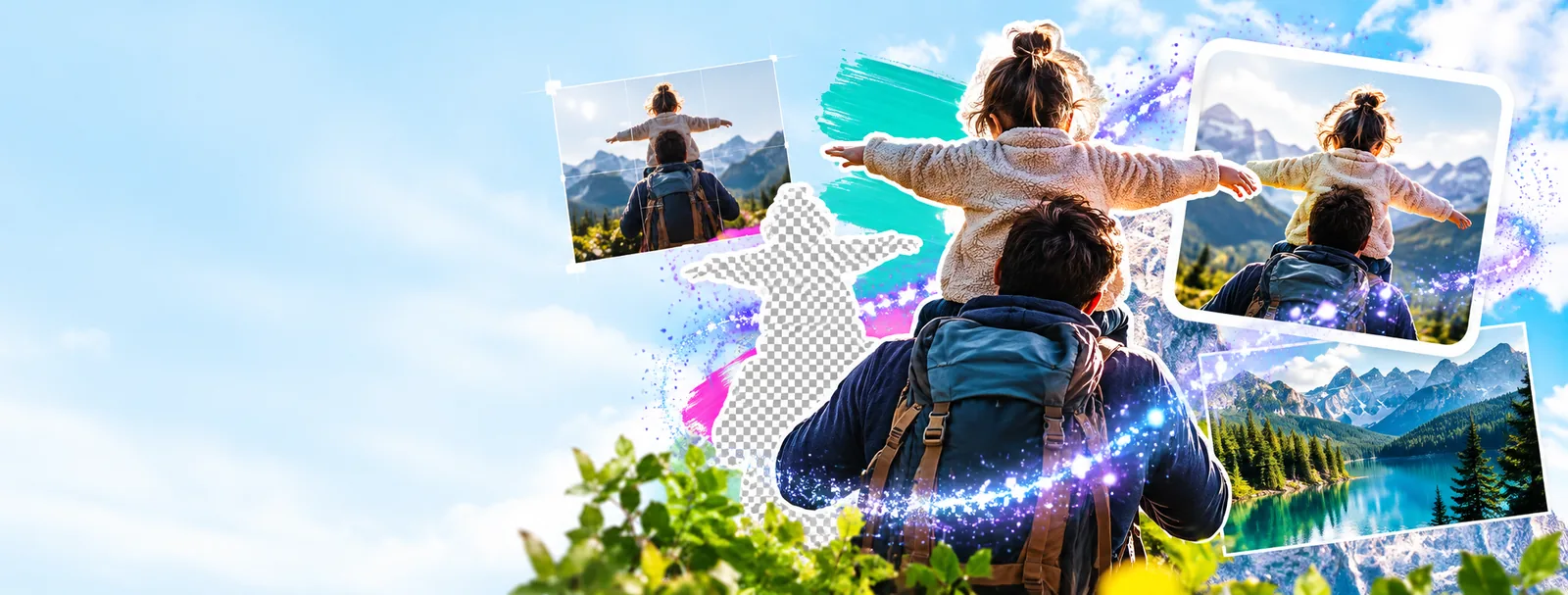
The scenario's pain
Most editing problems are not caused by a lack of tools. They come from unclear intent, inconsistent dimensions, distracting backgrounds, unreadable text, or an output that does not fit its destination.
- best photo editing software for beginners Use a simpler editing path when the priority is learning the basics without unnecessary complexity.
- image text editor online Add or revise text directly on a visual when labels, headlines, or callouts are part of the deliverable.
- google photo editor background Focus on background cleanup and replacement when the subject is right but the setting is not.
Three concrete workflows
A reliable workflow separates the creative decision from the technical cleanup, then checks the result in the context where it will be used.
-
1
Prepare the source
Choose the clearest original, crop away irrelevant edges, and decide where the image will appear. A social tile, product card, document graphic, and presentation slide may need different framing.
-
2
Make the focused edit
Change only what supports the goal: improve contrast, remove a distraction, adjust the background, place readable text, or balance the color. Keeping one main objective makes the result easier to judge.
-
3
Review the output
Check the complete image at its intended size. Look for clipped subjects, weak contrast, awkward spacing, accidental artifacts, and details that disappear after export or resizing.
Example output
The strongest example is not the most dramatic transformation. It is a controlled before-and-after where the subject is clearer, the composition is more useful, and the final image still feels natural.
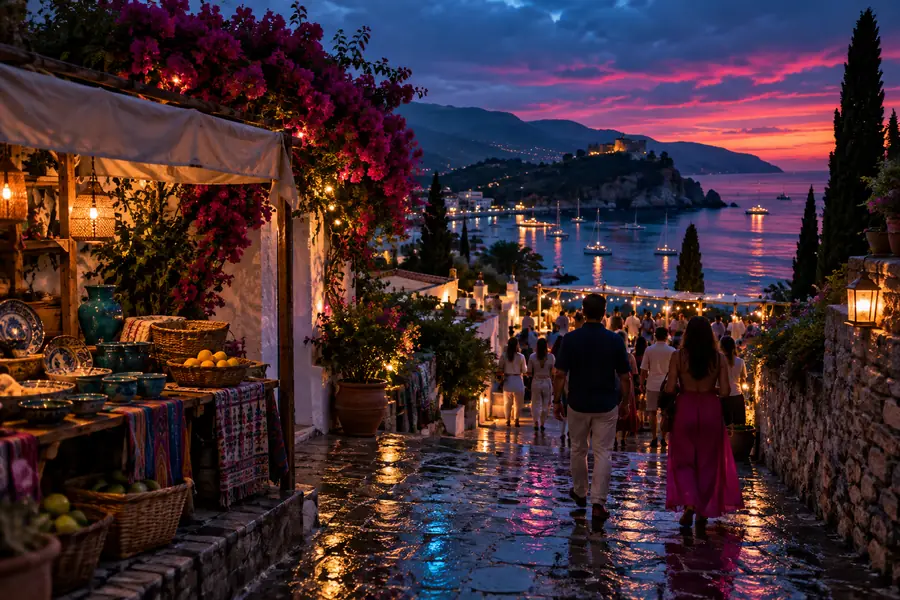
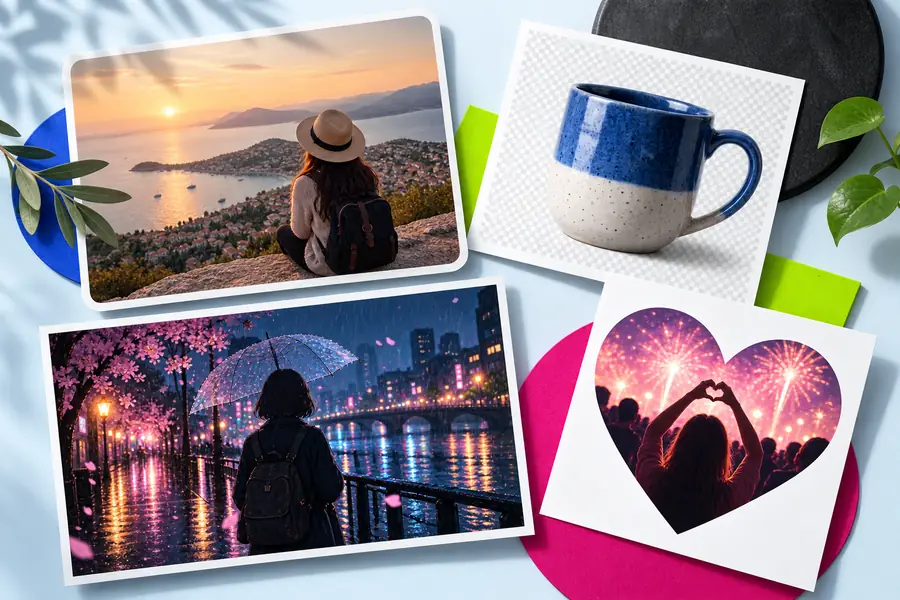
Compare the subject, hierarchy, and destination fit—not just the visual change.
BeforeAfterCompliance notes
Before publishing an edited image, compare the result against the purpose, source rights, brand rules, and destination requirements. These checks help prevent a polished visual from creating a practical problem later.
| Needs review | Ready to publish | |
|---|---|---|
| Subject clarity | The main subject is partly hidden, cropped awkwardly, or difficult to identify. | The subject is easy to recognize at the intended viewing size. |
| Text legibility | Text competes with the image, touches the edge, or loses contrast. | Text has clear hierarchy, safe spacing, and sufficient contrast. |
| Background | The setting distracts from the subject or introduces unexplained objects. | The background supports the subject and does not imply a misleading context. |
| Source permission | Ownership, consent, or license details are unknown. | The source and any required permissions have been checked before use. |
| Brand consistency | Colors, type treatment, or visual tone conflict with the surrounding campaign. | The edit follows the relevant brand guidance and visual system. |
| Destination fit | The crop, dimensions, or file treatment does not suit the channel. | The image is checked in the layout, placement, or document where it will appear. |
| Accuracy | The edit changes meaning or creates a detail viewers could reasonably misread. | The result improves presentation without making a false visual claim. |
Start with one image and one outcome: make a product photo clearer, prepare a social graphic, clean up a document image, or give a campaign visual a consistent finish. Use the workflow above to guide the edit, then review the result before sharing it.
Turn a useful example into your next edit
- Choose one clear editing goal
- Review the output in context
- Keep permission and accuracy checks in the workflow
Scenario FAQ
A useful example connects the edit to a real communication goal, such as improving a product image or preparing a social graphic. It shows the starting problem, the focused change, and how the final output fits its destination.
Common examples include cropping and resizing, correcting color or contrast, removing distractions, adjusting a background, and adding readable text. The right choice depends on what the image needs to communicate.
Begin with the destination and the single most important problem to solve. Prepare the source, make the smallest focused edit that supports the goal, and then inspect the result at the size and placement where people will see it.
Check subject clarity, text legibility, crop and dimensions, brand consistency, source permissions, and whether the edit could create a misleading impression. A final review in the intended layout often reveals issues that are easy to miss in the editor.